

Description
Download IPTV Player Latino – free IPTV app, Android IPTV, live TV streaming, Spanish-language TV, mobile TV app, IPTV for Android, streaming TV app
Overview
IPTV Player Latino is a free Android application designed for streaming internet television directly to mobile devices. As part of the MP3 & Multimedia Apps category, it enables users to access live television broadcasts over the internet, offering a convenient alternative to traditional cable or satellite TV. The app is particularly tailored for Spanish-language viewers seeking access to popular channels such as ITV, ITV2, and Channel 4, allowing them to watch their favorite shows as they air live. Its core purpose lies in delivering real-time broadcast content through an accessible, mobile-friendly interface.
Target users include individuals who prefer on-the-go entertainment, especially those with a preference for Spanish-language programming. The app supports Android 4.3 and higher, making it compatible with a wide range of older and newer devices. While the developer, IPTV Player Latino, has not provided additional background details, the app has been available since 2017 and has maintained a presence in the Android ecosystem. Real-world usage scenarios include watching live sports, news, and entertainment programs while commuting, traveling, or at home.
Although the app is free to download and use, the developer did not specify any in-app purchases or advertising models. The application’s longevity since its release in January 2017 suggests a stable user base, though no performance benchmarks or user statistics are available. The focus remains on providing straightforward access to live TV content with minimal friction.
Key Features & Capabilities
- Live TV Streaming – IPTV Player Latino allows users to stream live television broadcasts from a variety of channels, including ITV, ITV2, and Channel 4, enabling real-time viewing of scheduled programming.
- Quality Selection – Users can adjust stream quality based on their internet connection, offering flexibility in balancing video clarity and bandwidth usage.
- Content Organization – Channels can be sorted by category or alphabetically, helping users navigate large channel lists efficiently.
- Real-Time Search – A built-in search function allows users to quickly locate specific shows or channels without browsing through entire lists.
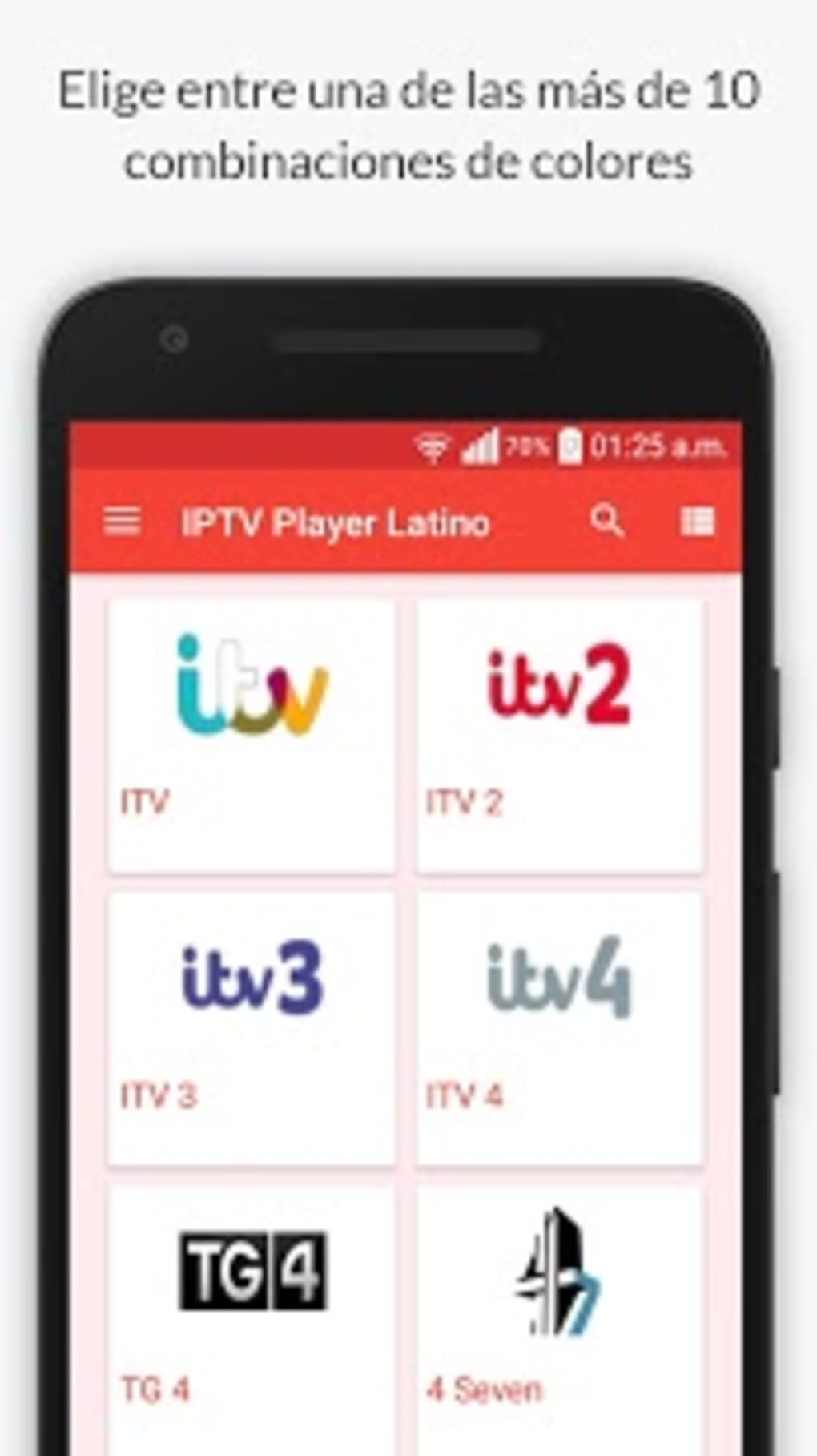
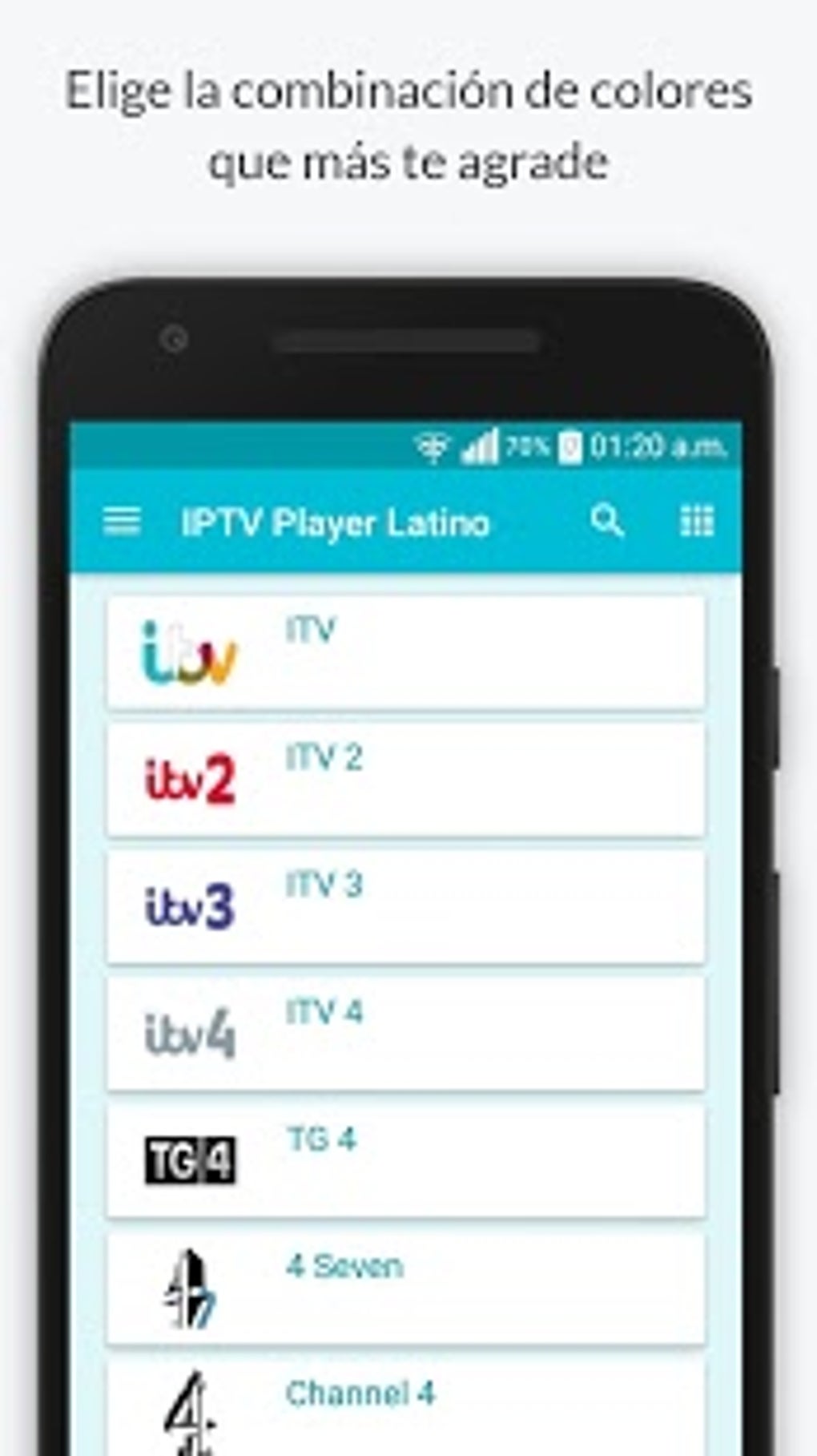
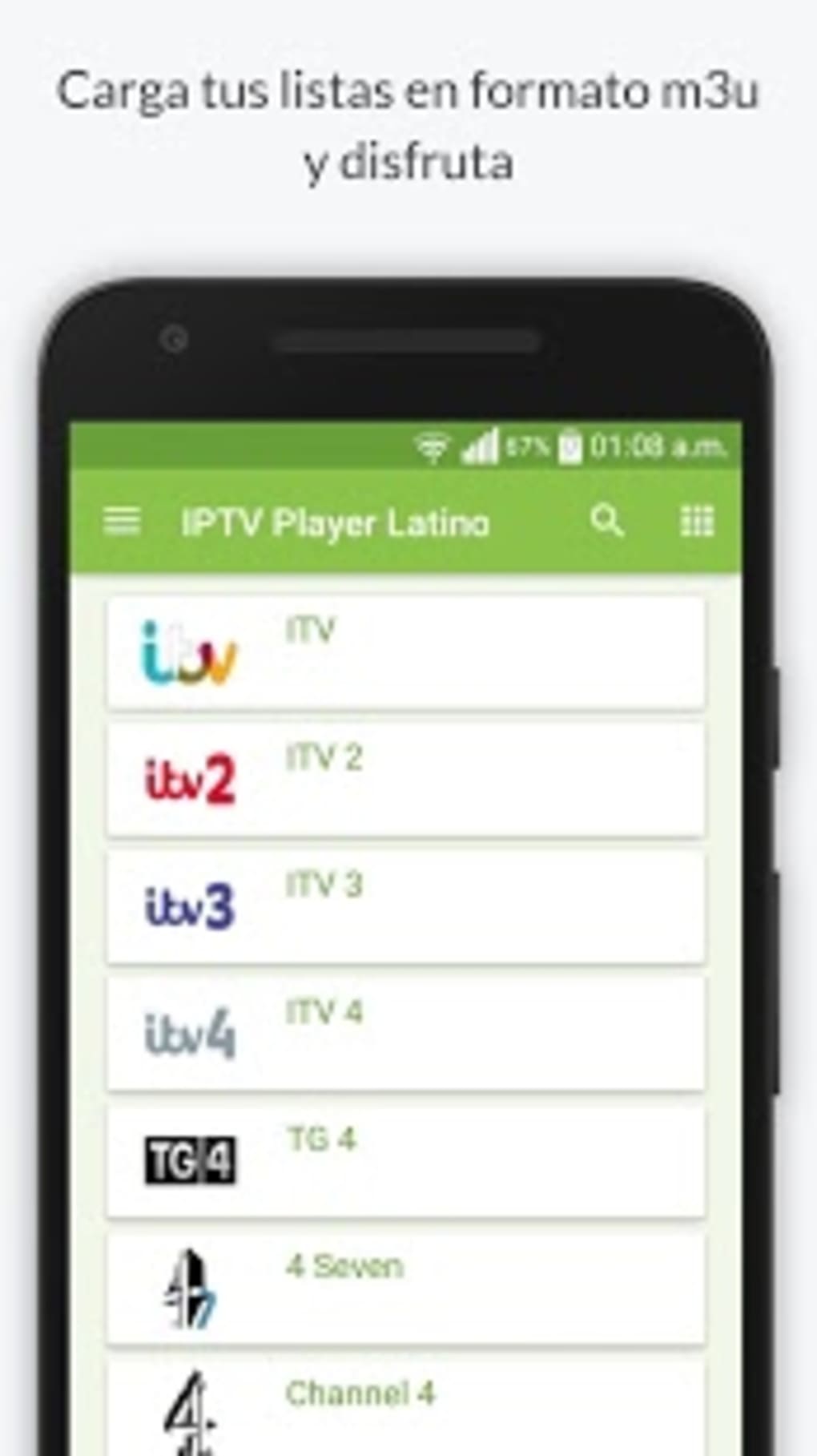
- Customizable Interface – The app supports over ten different interface styles, enabling users to personalize the layout and appearance to suit their preferences.
- Spanish-Language Focus – Designed with Spanish-speaking audiences in mind, the app provides access to content that aligns with their cultural and linguistic interests.
These features collectively enhance the user experience by promoting accessibility, personalization, and efficient content discovery. For example, users can quickly find a live sports event using the search function or switch between interface styles to improve readability. The ability to choose stream quality is especially useful for users on variable data connections, ensuring uninterrupted viewing.
User Interface, Workflow & Performance
The user interface of IPTV Player Latino is structured around a clean, menu-driven layout optimized for mobile screens. Navigation is achieved through a combination of category tabs, a search bar, and a customizable home screen. The app’s workflow is designed to minimize steps between launching the app and starting playback, with most channels accessible within two taps.
Users can personalize their viewing experience by selecting from more than ten interface styles, which may include layout variations, color themes, and button arrangements. This level of customization contributes to a more intuitive and enjoyable experience, especially for long-term users. The app does not require complex setup, and playback begins immediately after selecting a channel.
The developer did not specify resource usage details, so exact performance data such as CPU or RAM consumption remains unknown. However, based on general software behavior patterns, the app is expected to operate efficiently on devices meeting the minimum Android 4.3 requirement. Stability is assumed to be consistent given the app’s long-standing availability since 2017, though no formal reports on crashes or freezes are available.
Compatibility & System Requirements
IPTV Player Latino is designed for Android operating systems, with compatibility confirmed for Android 4.3 and higher versions. This broad support allows the app to run on a wide range of devices, from older smartphones to modern tablets. The app’s version is 1.7.1, with the latest update released on January 30, 2017.
The installation size is not specified by the developer, so users should expect variable file sizes depending on device configuration and cached data. The developer did not provide additional system requirements, such as minimum RAM, processor speed, or storage space. As a result, users are advised to ensure their device meets general Android stability standards for running multimedia applications.
Platform compatibility information is limited to the OS version. No support for iOS, Windows, or other operating systems is mentioned. Users should verify device compatibility before downloading, especially if using older or non-standard Android devices.
Pros and Cons
Pros
- Free to download and use with no hidden costs
- Supports live TV streaming from major channels like ITV, ITV2, and Channel 4
- Offers customizable interface with over ten different styles
- Allows real-time search and sorting by category or alphabet
- Adaptable stream quality settings for different internet speeds
- Specifically designed for Spanish-language audiences
Cons
- Latest update was in 2017, indicating potential lack of recent improvements
- Exact system requirements and file size not provided
- No information on in-app ads, subscriptions, or data usage
- Unsupported on non-Android platforms
- Long-term stability on modern devices is unverified
FAQ Section
Is IPTV Player Latino available for iOS devices?
There is no information indicating that IPTV Player Latino supports iOS. The app is currently available only for Android operating systems.
Is the app safe to download and use?
IPTV Player Latino is available through official Android channels and has been in use since 2017. However, as with any third-party streaming app, users should ensure they are downloading from trusted sources to minimize security risks.
Does IPTV Player Latino require a subscription?
The app is free to download and use. No subscription model or in-app purchases were mentioned by the developer.
Can I use IPTV Player Latino offline?
As a live streaming application, IPTV Player Latino requires an active internet connection to function. Offline viewing is not supported.
How often is IPTV Player Latino updated?
The latest update was released on January 30, 2017. The frequency of future updates is not specified.
Final Thoughts + CTA
IPTV Player Latino remains a functional option for users seeking free access to live television on Android devices, particularly those interested in Spanish-language content. While the app’s interface and core streaming capabilities are well-structured, its lack of recent updates raises concerns about long-term compatibility and security. The customizable design and real-time search functionality offer notable advantages for users who value personalization and ease of navigation.
Despite its age, the app continues to serve its primary purpose: delivering live TV streams with minimal setup. However, users should be cautious about relying on outdated software, especially on newer Android devices. For Spanish-speaking audiences who prioritize live broadcast access and interface flexibility, IPTV Player Latino may still be a viable choice.
Download IPTV Player Latino now
Guides & Tutorials for IPTV Player Latino APK
How to install IPTV Player Latino APK
- Click the Preview / Download button above.
- Once redirected, accept the terms and click Install.
- Wait for the IPTV Player Latino APK download to finish on your device.
How to use IPTV Player Latino APK
This software is primarily used for its core features described above. Open the app after installation to explore its capabilities.
User Reviews for IPTV Player Latino APK 0
No reviews found





